

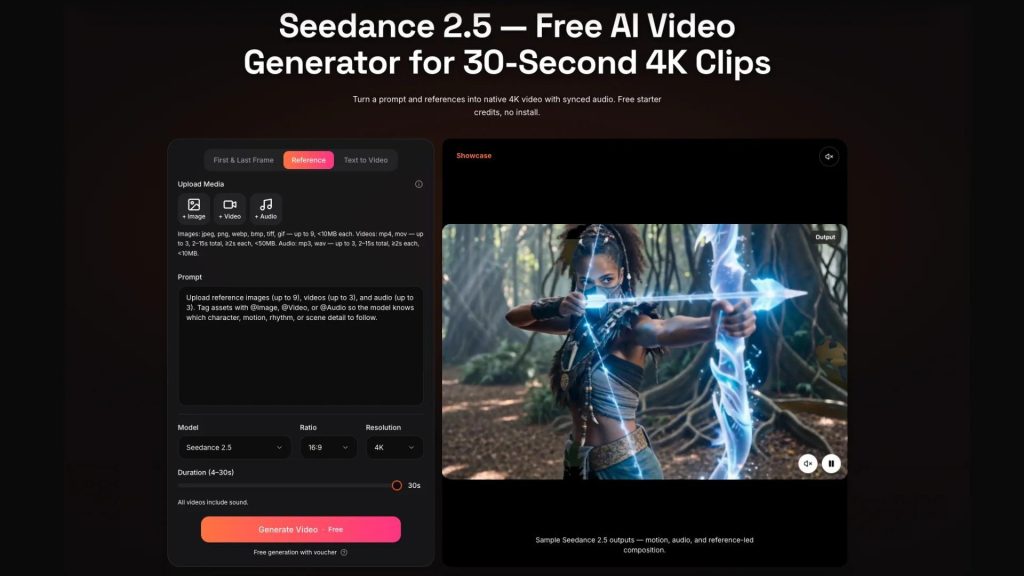
Artificial intelligence is rapidly changing how businesses create video content. Over the past year, AI-powered video generation has evolved from an experimental technology into a practical solution for marketing teams, creative agencies, e-commerce brands, and enterprise communications.
Organizations are no longer asking whether AI can generate usable videos. Instead, the focus has shifted to selecting platforms that can support real-world business requirements, including reliability, security, commercial licensing, and workflow integration.
Among the next generation of AI video platforms attracting industry attention is Seedance 2.5. While its official release is highly anticipated, businesses should look beyond feature announcements and consider how any new AI platform fits into long-term production strategies.
AI Video Is Entering a New Stage
Recent advances in AI have significantly improved video generation. Modern models are expected to deliver smoother motion, stronger prompt understanding, improved character consistency, and higher visual quality than previous generations.
This rapid progress is encouraging companies to rethink traditional content production. Marketing campaigns that once required weeks of planning, filming, and editing can now be developed much more efficiently with AI-assisted workflows.
For businesses, however, adopting AI is no longer simply a creative decision. It is increasingly becoming a technology investment that affects operational efficiency, content governance, and long-term scalability.
Why Businesses Are Paying Attention
Every major AI model launch generates excitement, but enterprise adoption requires a more practical perspective.
Before introducing a new AI video platform into production, organizations should evaluate questions such as:
- Does the platform provide clear commercial usage rights?
- How are uploaded images and reference assets managed?
- Is output quality consistent across multiple projects?
- Can different team members collaborate efficiently?
- Does the platform integrate with existing production workflows?
- Can it support future growth as content demand increases?
These considerations often have a greater impact on business success than benchmark scores or promotional demonstrations.
Looking Beyond Features
As competition within the AI video market continues to accelerate, businesses are paying closer attention to the evolution of the Seedance 2.5 video model and similar technologies.
The discussion is no longer centered only on generation quality. Organizations increasingly expect AI platforms to support predictable workflows, stable output, enterprise security, and practical deployment across different teams.
This reflects a broader trend within the AI industry. Companies are moving away from experimenting with individual AI tools and toward building integrated production environments where AI supports existing creative and operational processes.
A Practical Evaluation Framework
Before adopting any AI video platform, businesses should establish an internal evaluation framework rather than relying solely on product demonstrations.
Technical Assessment
Teams should verify:
- Video quality across different scenarios
- Character and scene consistency
- Prompt accuracy
- Rendering performance
- Editing flexibility
Reliable and repeatable results are generally more valuable than isolated examples of exceptional output.
Security and Data Management
Organizations should also understand how the platform handles business assets.
Important considerations include:
- Data protection policies
- File retention practices
- User permission controls
- Privacy documentation
- Security standards
These questions become especially important when confidential client materials or proprietary brand assets are involved.
Legal and Compliance
As AI-generated media becomes increasingly common, legal review should become part of the evaluation process.
Businesses should understand:
- Commercial licensing terms
- Ownership of generated content
- Intellectual property considerations
- Terms of service
- Applicable regional regulations
Reviewing these topics before deployment can reduce future legal and operational risks.
Workflow Integration
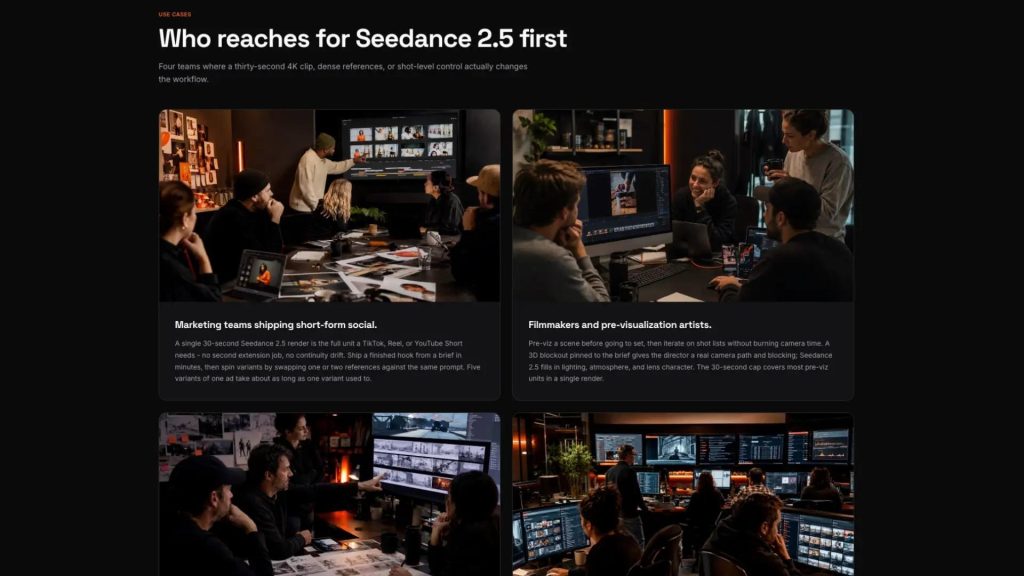
A successful AI platform should enhance existing production processes rather than create additional complexity.
Decision-makers should evaluate:
- Collaboration capabilities
- Project organization
- Export compatibility
- Revision workflows
- Scalability
- Potential API support
Platforms that fit naturally into established workflows are more likely to deliver long-term value.
Preparing for the Next Phase of AI Video
The AI video industry continues to evolve at an extraordinary pace. New releases are arriving more frequently, and expectations from enterprise users are rising just as quickly.
Rather than evaluating platforms solely by visual quality, businesses should consider how AI tools contribute to governance, operational efficiency, security, compliance, and sustainable content production.
Organizations that establish clear evaluation standards before adopting new AI technologies will be better positioned to scale their creative operations while reducing unnecessary risk.
Final Thoughts
The growing interest surrounding Seedance 2.5 reflects the broader direction of the AI video industry. As new models continue to emerge, successful adoption will depend not only on technical capability but also on thoughtful planning and responsible implementation.
Businesses that approach AI video with a structured evaluation process—covering technology, workflow, security, and compliance—will be in a stronger position to take advantage of future innovation while maintaining efficient and reliable content production.
